
How to repurpose a webinar into three months of content
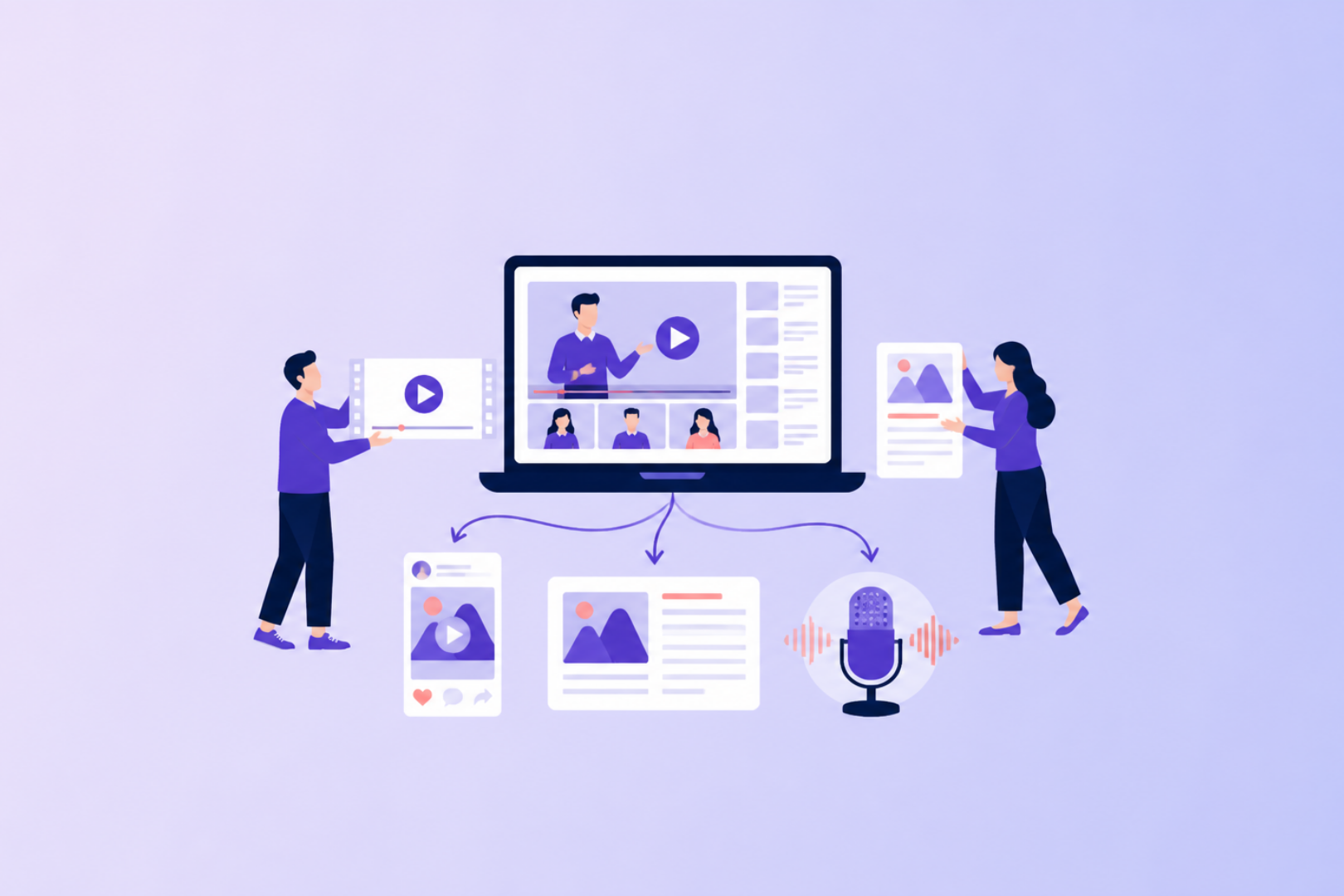
A week after the live session, what happens to your webinar recording? For most B2B teams, the answer is a replay email and a follow-up email, and then it sits in a folder. That's a lot of expert thinking to leave on a shelf. If you repurpose a webinar properly, one recording can keep producing content and pipeline for three months.
In our webinar with Livestorm, we asked the audience this exact question in a poll, most answered: replay email and follow up email only, a few ran on-demand pages or ads.
Here's how Casper Rouchmann, our founder, and Benoit Leggieri, Head of Growth at Livestorm, approach the repurposing phase instead.
Most webinars end at the replay email
Most people who register never watch live. Casper is one of them.
"I also sign up for a lot of stuff. I don't always watch live, unfortunately."
That makes the repurposing phase the part of the webinar most of your audience will see. Treat the live session as the recording day for a quarter's worth of content, and plan it that way from the start.
Start repurposing before you go live
If you want to repurpose a webinar well, start in preparation. Benoit's approach:
- Build the script from real conversations. Look at what people ask on Reddit and LinkedIn about your topic, and chapter the webinar around those questions.
- Set up a run of show. Timings, speakers and chapters make the recording far easier to cut later.
- Ask for questions during the live. Every audience question becomes material for the follow-up, an FAQ or a blog post.
A clearly chaptered webinar produces clean clips. A loose conversation produces an hour of footage nobody wants to edit.
What one recording turns into
Once you have the transcript, a single webinar can become:
- Speaker video clips for LinkedIn and other platforms, with subtitles and a clear title
- An audience Q&A built from the questions people asked live
- A playbook or e-book from the slides. We turned this session into a LinkedIn playbook for B2B webinars
- Blog posts and newsletters that cover single ideas from the session in depth
- Document ads that put the playbook in front of your retargeting audience
- The full replay, cut with chapters and highlights for anyone who wants all of it
Livestorm now clips video natively, and its MCP connector lets AI assistants like Claude work directly with webinar data. The tooling has caught up, so the bottleneck is the plan.
How we repurpose a webinar with Stormie
At SparkForce, every webinar goes into Stormie, our own AI content agent. Stormie drafts a blog post, a newsletter, social posts and a set of clips from the recording.
"About 10 to 20% of it is manual human work. And that's more like making sure the snippets are good and making sure we're not using the wrong parts. The human touch of it."
A person on our team checks every draft, rewrites where needed and picks which clips are worth running. The rest is automated.
"This is important work. But it's grunt work. And that's the part you want to remove."
The time saved goes into what AI can't decide for you: what the next webinar should be.
Casper's favourite example is our pricing webinar. Stormie turned it into an article and a newsletter, which a marketer on our team verified and rewrote. Then came short clips for ads, each one a different pain or gain from the session, like raising prices for a specific segment. You can read one of the outputs in B2B SaaS pricing: the dos and don'ts. And this was possible before today's AI tools. It's just much faster now.
Feed the clips back into your ads
Repurposing pays off most in the retargeting layer, where people already know you and need a reason to trust you. Casper uses webinars there more than anywhere else.
The loop works like this:
- Cut the webinar into short clips, each built around one pain or gain
- Run several of them as video or thought leader ads to your retargeting audience
- See which angles perform best
- Feed the winners back into new ads, social posts and the topic of the next webinar
Casper typically promotes a webinar for four to six weeks and then keeps using it for at least three months afterwards. Freshness sets the limit. A strong, still-relevant session can run for a full quarter. An older one starts to feel dated, so keep an eye on your cadence. For the paid side, our session on thought leader ads that influenced €3.1M on LinkedIn covers how to run those clips.
Takeaways
- Most of your audience will meet your webinar after the live session, through what you repurpose
- To repurpose a webinar well, plan for it in preparation: real questions, clear chapters, a run of show
- One transcript can become clips, a Q&A, a playbook, blogs, newsletters and document ads
- Let AI do the grunt work and keep a human on quality, roughly 10 to 20% of the effort
- Run the best clips in retargeting, learn from them, and feed the winners back in
How we run it
At SparkForce, repurposing is built into every webinar we run for ourselves and for clients.
If your recordings end at the replay email, see our upcoming webinars or get in touch and we'll show you how the loop works.
The full session with Livestorm is on the replay
https://app.livestorm.co/livestorm-marketing/eventtype-92517711


