How to promote a webinar on LinkedIn in 2026

Search for "webinar ad" and you'll see the same thing a hundred times: a title, a headshot, a date. No motion, no video, nothing that makes a scrolling marketer stop. If you want to promote a webinar on LinkedIn in 2026, the bar to stand out is lower than you think.
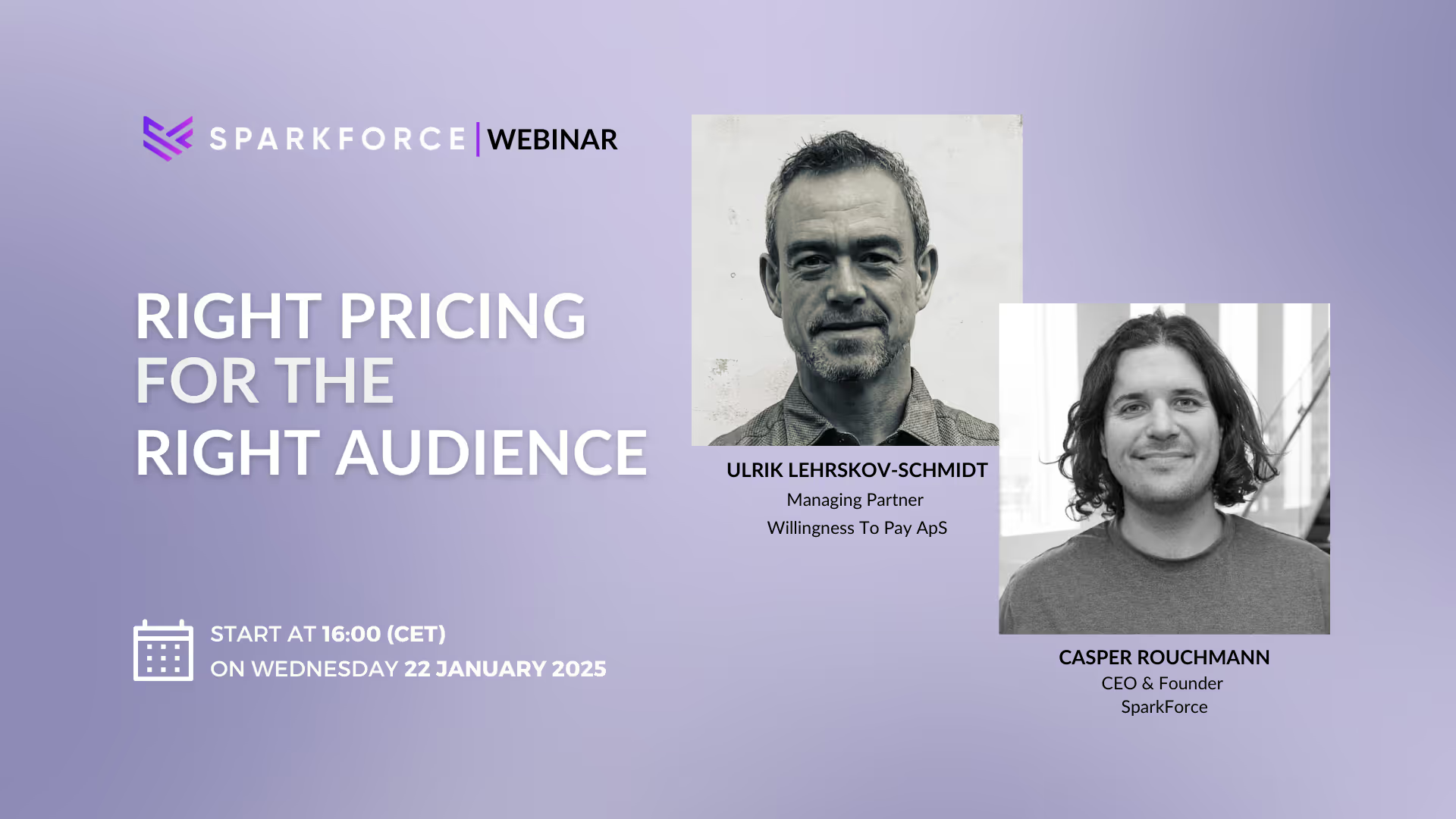
We ran a webinar with Livestorm on exactly this. Casper Rouchmann, our founder, and Benoit Leggieri, Head of Growth at Livestorm, walked through how B2B teams fill webinars from LinkedIn before, during and after the live session. This post covers the promotion side: what to run, what to measure, and when the registrations really arrive.
Why most webinar ads look the same
When we prepared the session, Casper googled "webinar ads" to find a typical example. The first results told the whole story.
"Most of it is like, hey, there's a title, there's a person and that's it. There's no animations. There's no one using video. There's no one using thought leader ads."
That describes the large majority of webinar ads on the platform. They're fine. They're also invisible. A little creative effort puts you ahead of most of the feed, because the feed sets such a low bar.
Livestorm's own survey points the same way. Email is still the number one channel for webinar registrations, and organic plus paid social come in a close second when you add them together. For B2B, social mostly means LinkedIn.
The real job when you promote a webinar on LinkedIn
Most teams optimise webinar promotion for one thing: signups, right now. For a cold audience, that's the wrong target.
At SparkForce we structure paid LinkedIn in layers. The cold layer reaches people who have never heard of you. The goal of the cold layer is to get on their radar, so they move into retargeting later.
"You want to make sure people see you and remember you. Because a lot of people optimise for conversions, for webinar signups, right here, then and there. That's not what you want to do."
In practice, that means:
- Objectives: video views and engagement first, event registrations second
- Formats: video ads, single image ads and thought leader ads
- Topic: pains and gains. "Missed your Q3 target? Here's how to make Q4 work" lands with a stranger. "Here's how our company works" doesn't.
Thought leader ads do most of the work
LinkedIn's algorithm changed noticeably around Q1 this year, and organic reach dropped for most of us, ourselves included. The format that has held up best for webinar promotion is the thought leader ad: a post from a real person, promoted to your target audience.
"Thought leader ads are the bread and butter of a lot of things you do these days, it feels less like an ad, and that's why it works really well."
Most buyers don't register that a promoted personal post is an ad, so click-through and engagement tend to run well above classic company ads. A thought leader ad can carry a single image or a video too, so it combines with everything below, we went deeper on the format in our session on the thought leader ads that influenced €3.1M on LinkedIn.
Turn single images into GIFs
This was Casper's favourite hack of the session. A single image ad campaign accepts a GIF. A three to five second animation, even a small moving arrow, has lifted performance two to four times in the accounts he has seen, depending on industry. AI design tools make it a ten-minute job.
Keep the video simple, and always subtitle it
The webinar promo videos that worked for us were quick, casual recordings: a five-minute shoot, someone in their office saying what the session is about and why it matters. One rule is fixed.
"Please always have subtitles on your videos, it's actually really important."
Most LinkedIn video autoplays muted. Without captions, the message never arrives. We covered more video tactics in Beyond boring: transforming your B2B videos into engagement magnets.
Plan for the final week
Here's the number that changed how we plan promotion. Livestorm pulled the registration data for this very session: about 250 registrants, and half of them signed up in the final week. Livestorm sees the same pattern across its customers.
Benoit said he used to think a webinar needed two months of promotion. Casper used to plan four to six weeks, both now treat the last seven days as the main event. Two focused weeks can carry most of the promotion, as long as the final push is the strongest one, use the early weeks to build awareness in the cold layer, then put urgency, reminders and your best creative into the last week.
Keep promoting while you're live
When you promote a webinar on LinkedIn, the work can continue after the session starts. Livestorm now lets customers restream outside its platform, and LinkedIn is the number one restreaming destination for B2B marketers. Streaming into a LinkedIn Live event puts the session in front of people who never registered, with extra reach on the channel.
Your registrants also need a reason to show up. Benoit's tips: build the script from real questions people ask on Reddit and LinkedIn, set up a run of show, and plan interaction (polls, Q&A, a giveaway), keep the content tight, because attendees in Livestorm's benchmark stay connected for 26 minutes on average.
Takeaways
- Most webinar ads are a title and a headshot, so a little creative effort stands out
- In the cold layer, optimise for views and engagement, and pick a topic that hurts
- To promote a webinar on LinkedIn right now, thought leader ads are the strongest format
- Animate your single images and subtitle every video
- Half of registrations land in the final week, so plan your strongest push there
How we run it
At SparkForce we run webinar promotion as part of one allbound system, where the cold layer, retargeting and the webinar itself feed each other. If your webinars fill up but your pipeline doesn't move, we'll happily take a look.
The full session with Livestorm, including the live and repurposing phases, is on the replay
https://app.livestorm.co/livestorm-marketing/eventtype-92517711